Your Paramettrik account is a single identity for everything we make: this website, every Revit tool (Paramettrik Library, Synthesis, Production) and the Paramettrik Report site app. Create it once, and the same email and password sign you in everywhere.
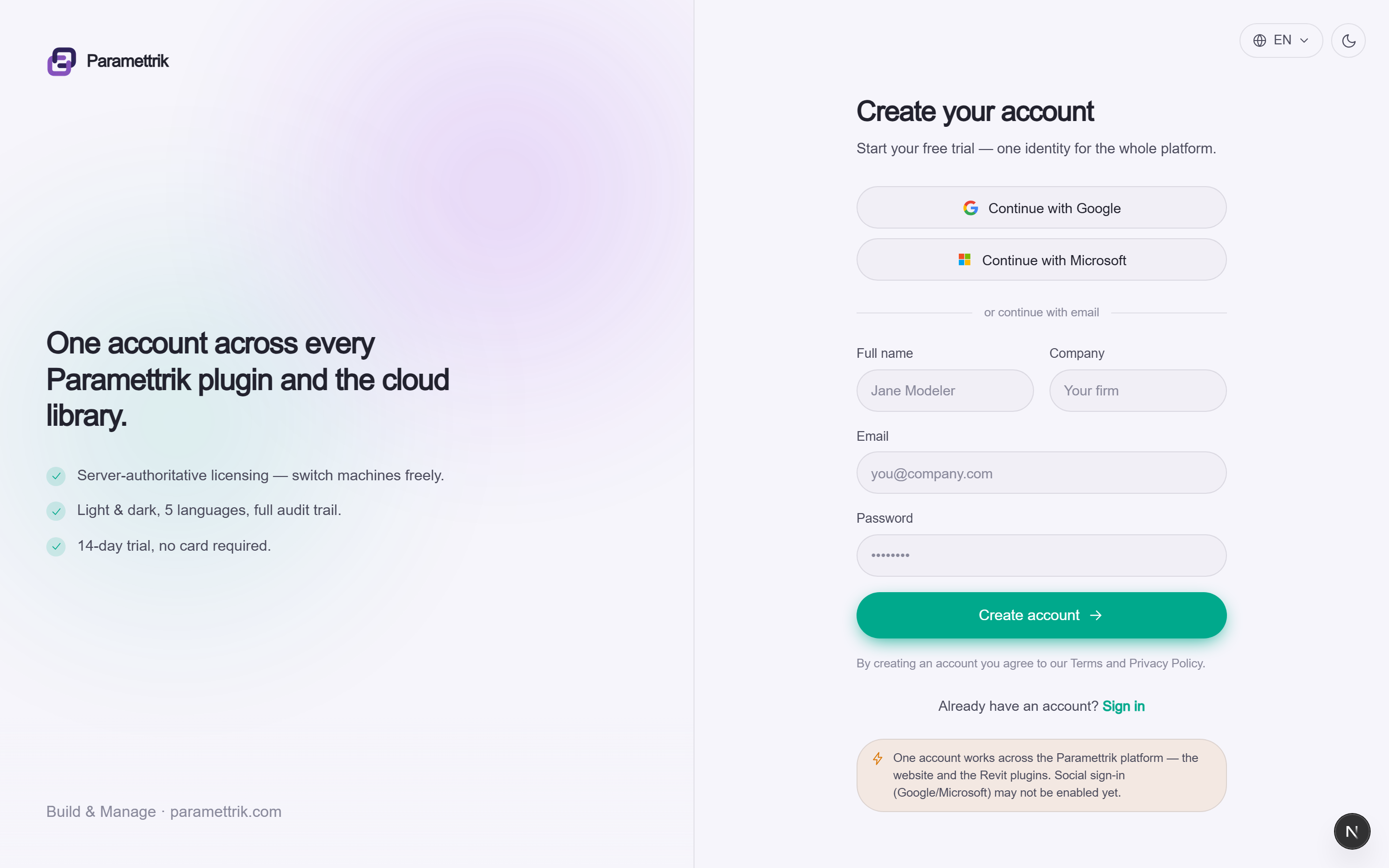
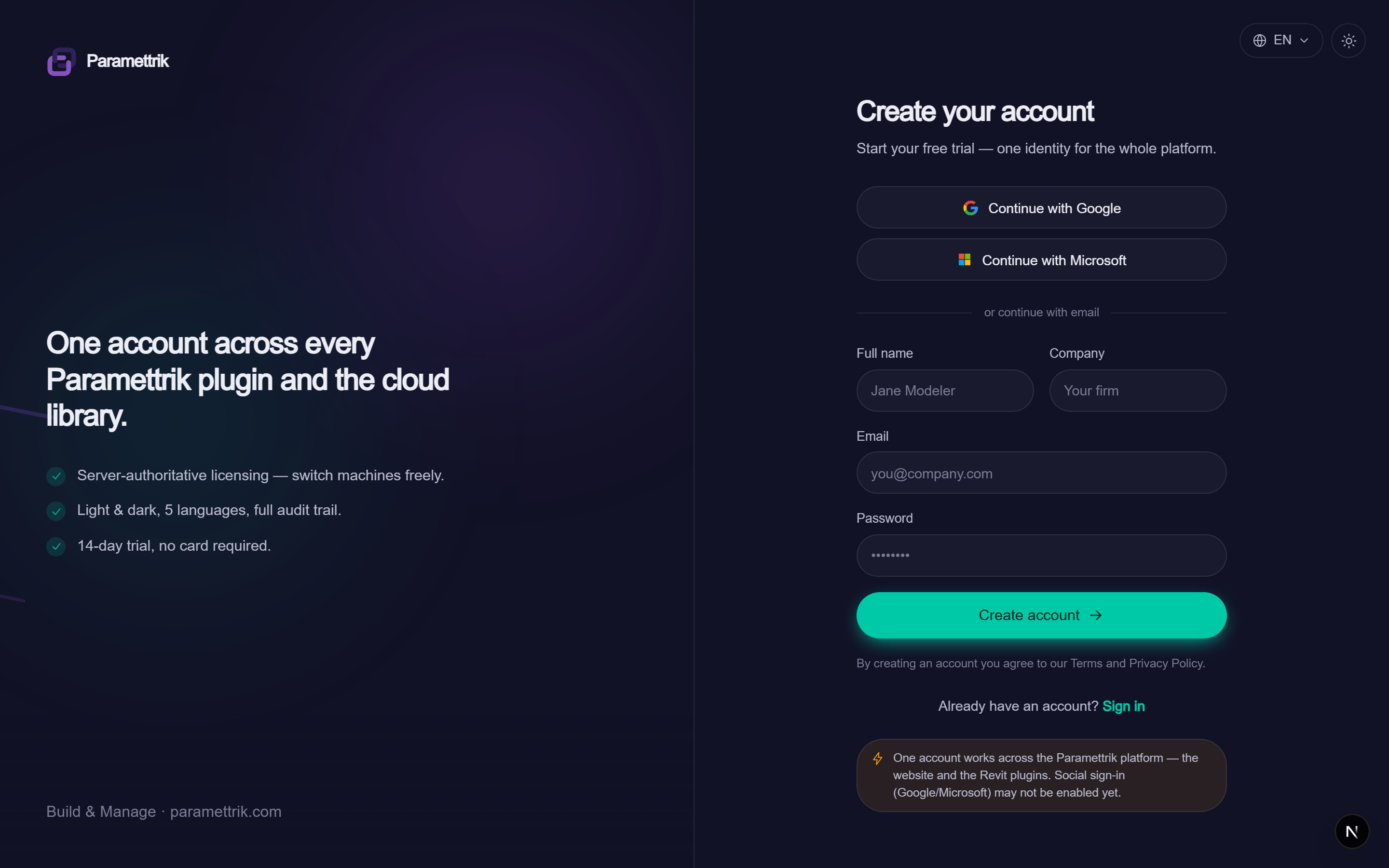
Create your account in a minute
You can start from the website or straight from a plugin. Either way it's the same short form, and no credit card is involved.
1. Open the sign-up page
On the website, click Sign up in the top bar. Inside a Revit plugin, open the Account panel and choose Create an account, which opens the same page in your browser.
2. Enter your details
Give your full name, a work email and a password; the company field is optional. Google and Microsoft sign-in are on the way, so for now use email and password.
3. You're in
Your account is active straight away, with no email to confirm right now. You land already signed in, ready to browse the cloud library or start a trial.
One account, every tool
The same credentials sign you in to the website and to every Revit plugin. Signing out of the website only ends that browser session, so your plugins stay signed in on your machine and nothing is interrupted mid-model.
Teams and organisations
Working with colleagues? Create an organisation, or ask a teammate to invite you to theirs. Organisations share licences and seats, so entitlements are managed in one place instead of person by person.
Read the licensing guideUse your work email
Sign up with your company email address. It lets teammates find and invite you to their organisation, and keeps your licence tied to your firm rather than a personal inbox.