Your products, right where they belong
Designers never leave Revit: they open the library and your families are there. You put them online whenever you want, from anywhere, and they land straight in their projects.
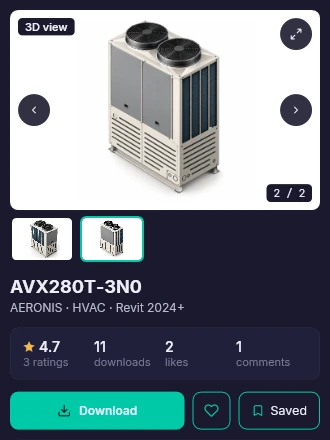
One family followed from the manufacturer's catalogue into a Revit project, then through your brand space on the web.
Aeronis, the brand shown in the video and screenshots, is fictional and was made up for this demo.
How it works
Autodesk Revit
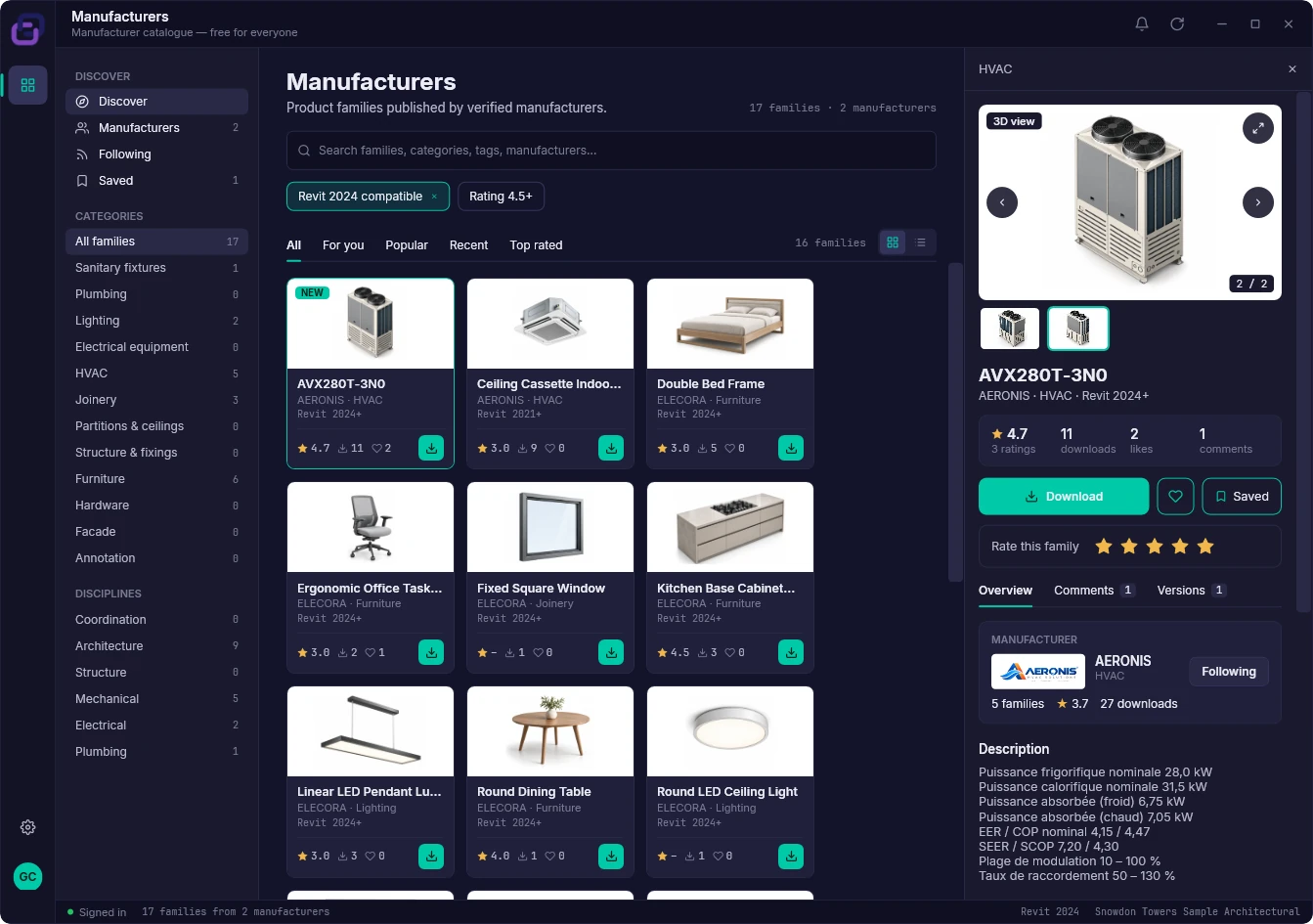
Designers find them without leaving Revit
They type a word, filter by category, open your brand and place the family in the project. No website to visit, no file to store, no version to keep track of.
paramettrik.com
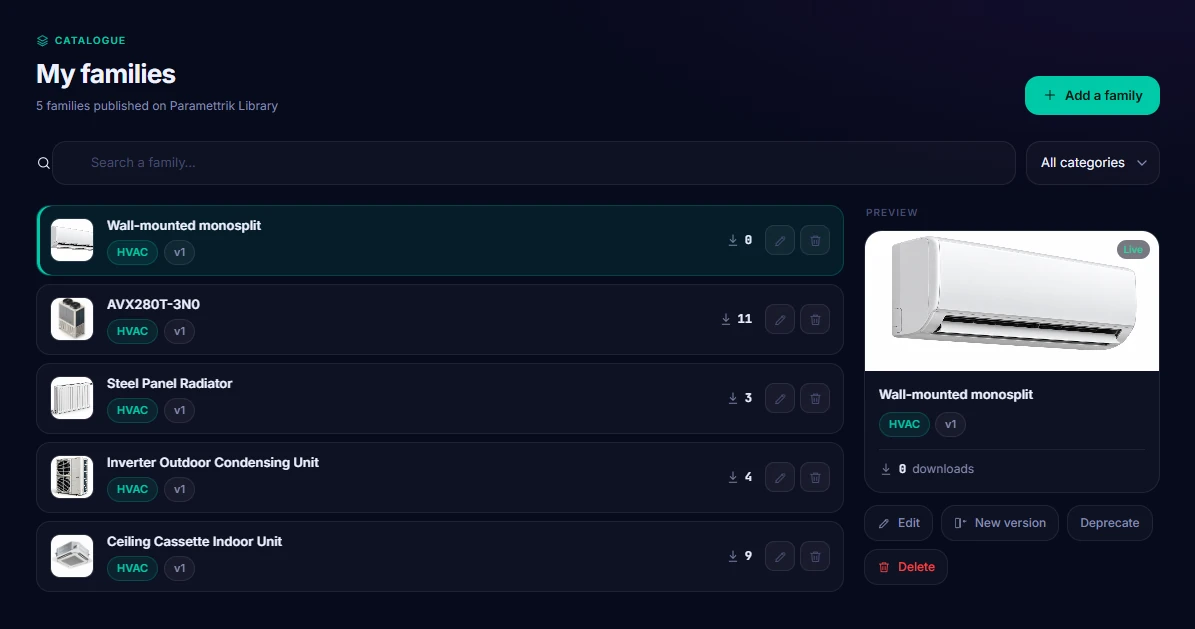
You upload your families from the web
Your brand space is managed from a browser, whenever it suits you. Add a range, fix a reference, publish an update, and that is already what designers have at hand.
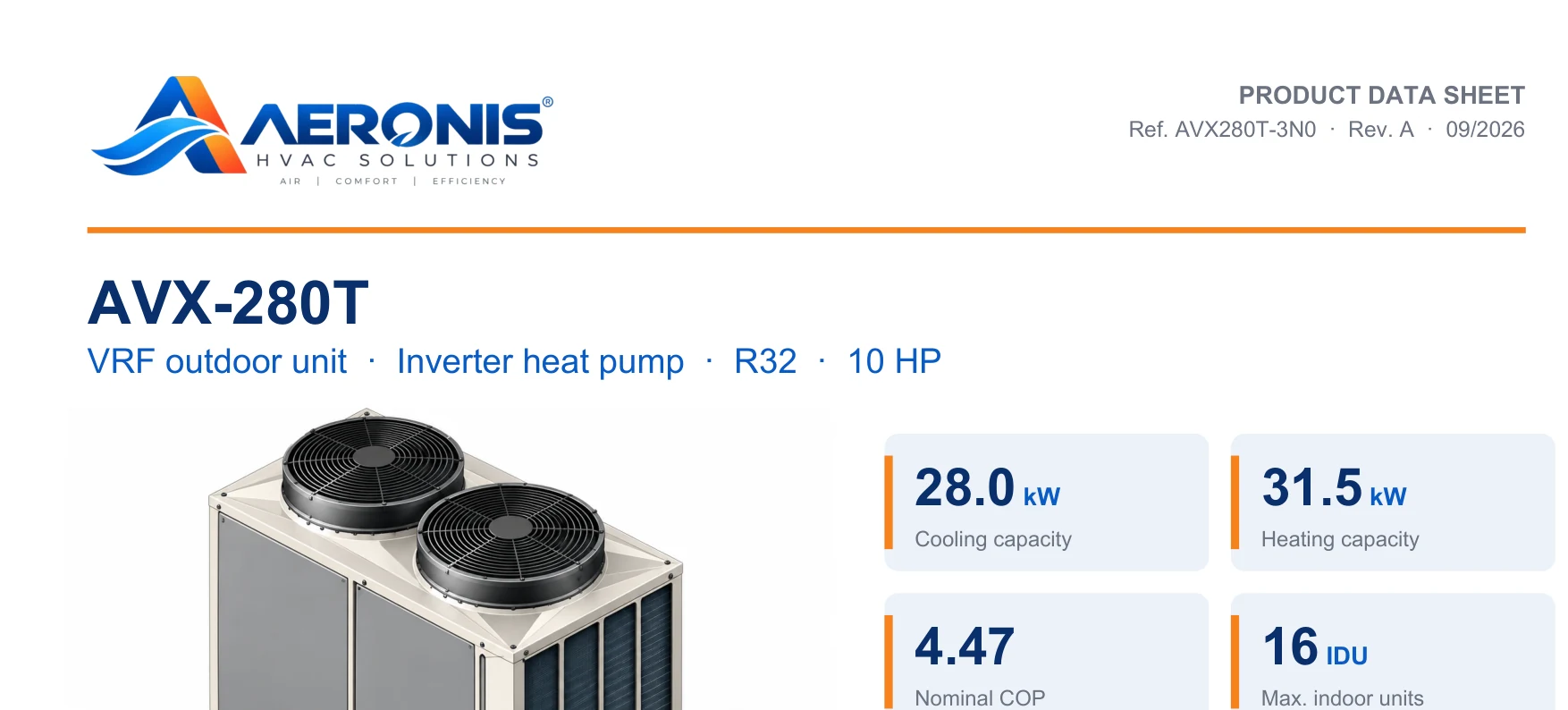
AVX-280T technical sheet.pdf
No Revit families yet? We build them
If all you have is technical sheets and drawings, our team models your products into parametric Revit families that match your references. Tell us about your catalogue and we will tell you what it takes.
Work with us
Tell us about your catalogue and we will come back to you with what an integration would look like for your brand.